Aiwaft
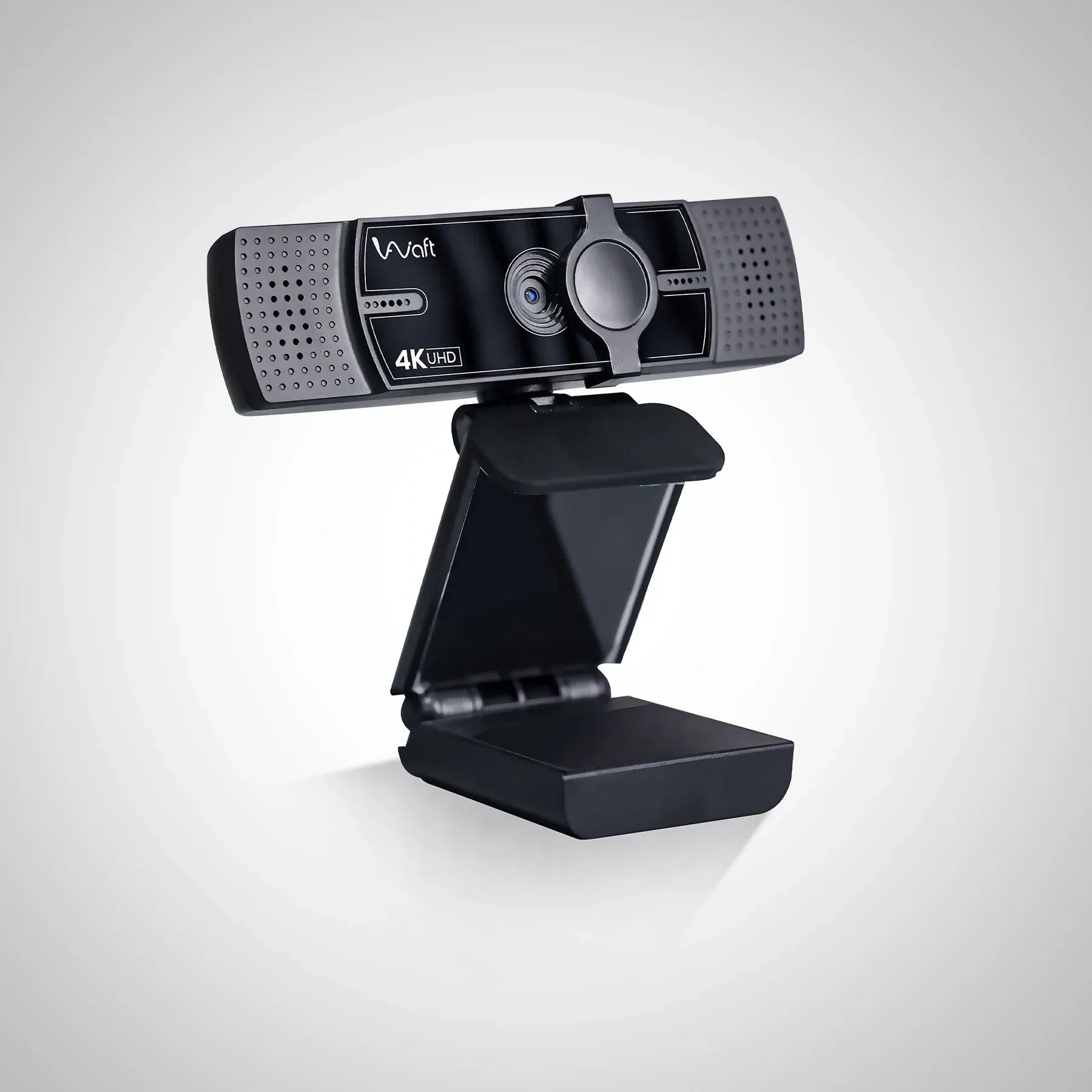
AIWAFT 4K Webcam with AI Autofocus
From video: फ़ोन को Webcam कैसे बनाये | Mobile को Webcam बनाएं | फ़ोन को Computer का कैमरा कैसे बनाये!🎥📷
Published: February 28, 2026
Video Description
फ़ोन को Webcam कैसे बनाये | Mobile को Webcam बनाएं | फ़ोन को Computer का कैमरा कैसे बनाये🚀
webcam Product Link:- https://aiwaft.com/collections/all-product/products/aiwaft-4k-webcam-with-ai-auto-focus
Visit👉- https://www.edusquadz.in/
For Studio Setup Contact Us On - 91 96693 79370
Visit - https://studio.edusquadz.com
WhatsApp:-https://wa.link/uyvvfo
---------------------------------------------------------------------------------------
Webcam Video Link:- https://www.youtube.com/watch?v=oC6ByLmiFz4&t=38s
OBS VIDEO LINK - https://youtu.be/Mpou1i1Q9PQ?si=TAFDZr2rfHmZguKU
DistroAV - https://github.com/DistroAV/DistroAV/releases
NDI LINK - https://ndi.video/
---------------------------------------------------------------------------------------
In this video, I’ll show you step-by-step how to use your Android phone as a wireless webcam in OBS Studio using the NDI method — without any cable.🔥
You can connect your phone camera to OBS over WiFi and use it for:-
✔ Live streaming
✔ Online meetings
✔ YouTube recording
✔ OBS Virtual Camera
In this tutorial, you will learn:-
• How to install OBS Studio
• How to install and set up the NDI plugin
• How to use the NDI Camera app on your Android phone
• How to connect both devices on the same WiFi network
• 720p quality limitations & latency explained
• Mobile vs dedicated 4K webcam comparison
This method is perfect for beginners who want a free webcam setup for streaming or meetings.
If you are serious about content creation, I also discuss why investing in a professional webcam can give you better video quality and built-in microphone performance.
Subscribe for more studio setup, lighting, and content creation tips.
#androidwebcam #mobileaswebcam #obsstudio #wirelesswebcam #obstutorial #livestreamsetup #youtubelivesetup #onlineclasssetup #androidtoobs #webcamsetup #budgetsetup #contentcreation #streamingtips #phonecamera
Timeline:-
00:00:- Use android phone as webcam.
00:30:- Android phone as webcam for OBS.
00:55:- How to install NDI for OBS.
01:33:- How to enable NDI source in OBS.
01:58:- NDI Camera app for Android.
03:21:- Smartphone webcam alternative.
03:30:- Best 4K webcam for streaming.
04:32:- How to select local NDI source in OBS.
05:15:- 720p webcam quality test.
06:46:- Final Thoughts & Call to Action.