Orchids
Orchids AI App Builder
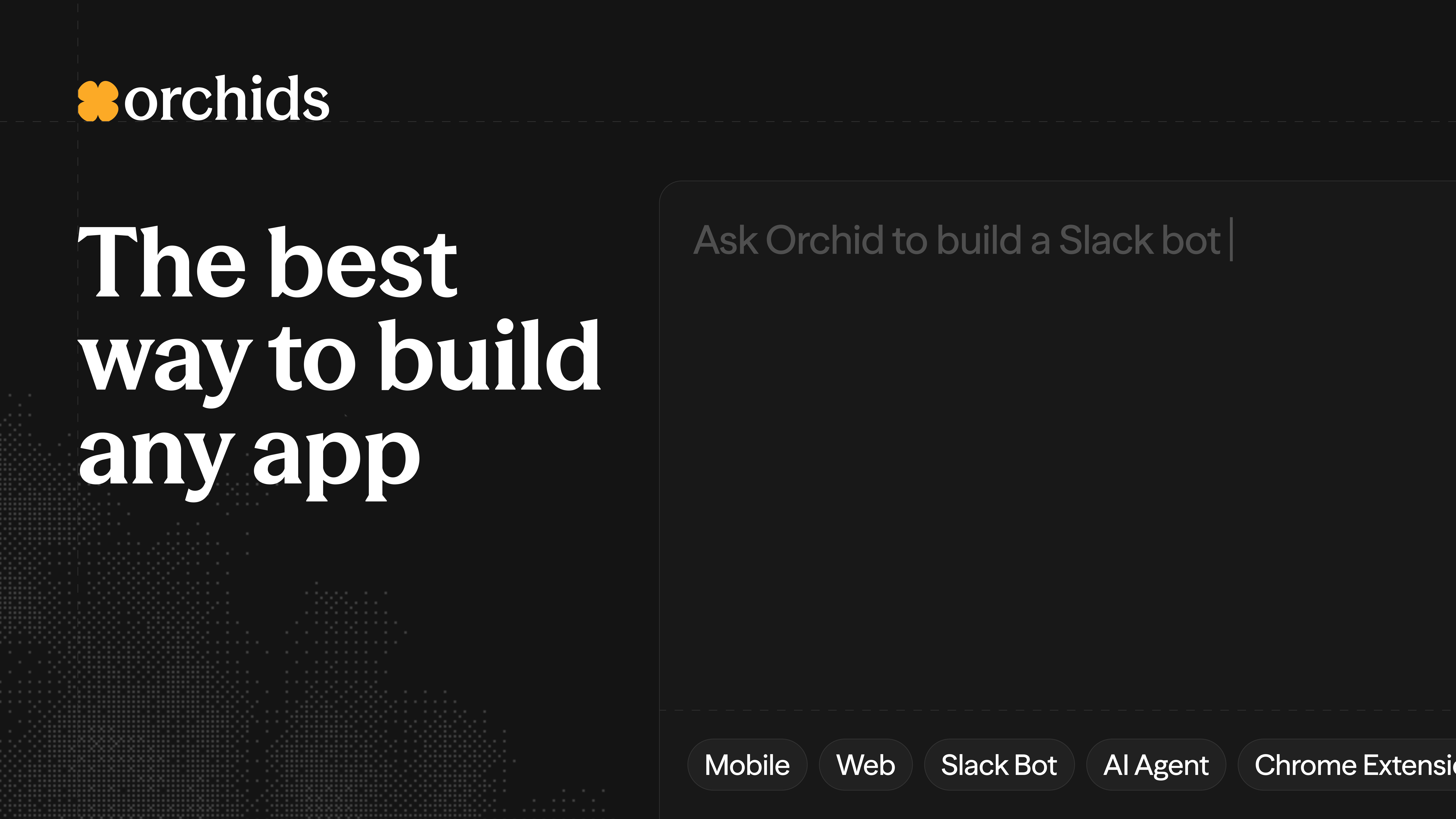
From video: I found an AI App Builder that can build ANYTHING! (Chrome Extensions, AI Agents, Slack Bots & more)
Published: March 18, 2026
Video Description
Try Orchids for Free 👉 https://orchidsapp.link/sonny
Most AI app builders only let you build web apps. Need a Chrome extension? A mobile app? A Slack bot? You're out of luck — or stuck stitching together three different tools.
This video is about Orchids — the AI builder that lets you create any type of app (web, mobile, Chrome extensions, CLI tools, AI agents) all from one platform, using the AI subscriptions you're already paying for.
Unlike other builders that force you to buy their tokens on top of your existing ChatGPT, Claude, or Gemini subscriptions, Orchids lets you plug in your own API keys or even connect your existing subscriptions directly. No double dipping.
I'll walk you through two full builds from scratch — a Chrome extension that summarizes web pages and saves highlights, and a mobile habit tracker deployed to your phone via Expo — including real-time debugging, GitHub sync, and one-click deployment to the Chrome Web Store and App Store.
We'll cover:
✅ Why most AI builders fall short beyond web apps
✅ How to bring your own AI keys and existing subscriptions
✅ Building a Chrome extension with page summarization and notes
✅ Real debugging flow — fixing API headers and deprecated models live
✅ GitHub sync and repo creation from inside the builder
✅ Building a mobile habit tracker with Expo and testing on a real device
✅ One-click deployment to Chrome Web Store, Google Play, and App Store
✅ Why Orchids' all-in-one approach beats hopping between tools
If you're already paying for AI services and want one platform that builds anything — not just web apps — this is worth checking out.
🕣 TIMESTAMPS:
0:00 Intro
0:57 Why Orchids Is Different
1:07 Build Any Type of App on One Platform
1:22 Bring Your Own AI Keys
1:45 Freedom to Choose Your Integrations
2:04 Chrome Extension Demo Begins
2:38 Downloading the Desktop App
3:08 Selecting Models & Project Settings
3:36 Creating the Project
4:14 Agent Planning Mode
4:52 Built-in VS Code Editor
5:55 Why Orchids Feels Intuitive
6:12 GitHub Sync Integration
7:06 Loading the Chrome Extension in Chrome
7:45 Testing the Page Summarizer
8:20 First Error & Debugging Flow
8:47 API Keys & Subscription Settings
9:36 Reloading & Second Debug Round
10:14 Fixing the Deprecated Model
10:37 Chrome Extension Working
11:05 Adding Notes to Pages
11:26 Testing Cross-Page Memory
12:11 Deploying to Chrome Web Store
12:48 Mobile Habit Tracker Demo
13:30 Scanning QR Code with Expo Go
14:23 Habit Tracker Running on Phone
15:34 Error Handling & Fix All
16:26 Sharing & Collaboration
17:09 Deploying to App Store & Google Play
18:07 Final Thoughts & Recap
20:06 Outro & CTA
⸻
⚠️ DISCLAIMER: This video is sponsored by Orchids. All opinions are my own — I only share tools I personally use and believe will help the developer community.
——————
🎓 Learn to code with AI here: https://www.paparect.com/course
👥 Join our AI coding community for FREE: https://www.universityofcode.com
Follow me on socials:
🔗 Instagram: https://instagram.com/sonnysangha
🔗 Twitter/X: https://x.com/sonnysangha
🔗 LinkedIn: https://linkedin.com/in/sonnysangha
🔗 TikTok: https://tiktok.com/@sonnysangha