Imobie
FocuSee
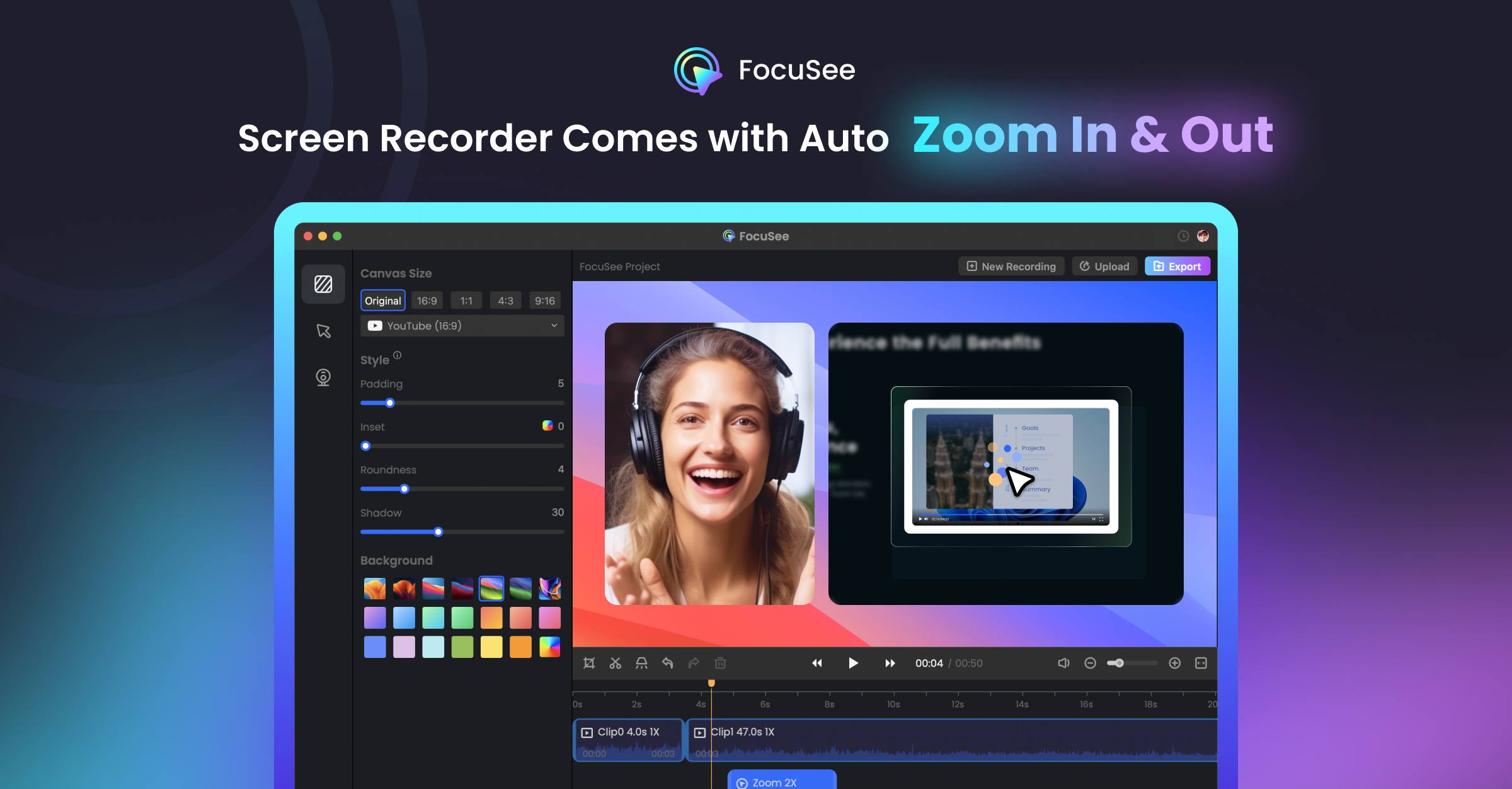
From video: 3D Camera - Don’t Waste Time | After Effects vs FocuSee | Create Website Animations in Seconds
Published: March 24, 2026
Video Description
⚡Try FocuSee now: https://focusee.imobie.com/?utm_source=youtube&utm_medium=youtube_influencer_jocelyn&utm_campaign=fs_nijat_202603
Use code FSKOL20 to get 20% off.
------------------------------------------
Creating smooth website presentations manually can take 20–30 minutes or even longer — especially when working with camera movements and zoom effects.
In this video, I compare two different approaches:
• After Effects (manual 3D camera setup)
• FocuSee (automatic 3D zoom effects)
You’ll see how you can create a similar website presentation in seconds using FocuSee, instead of spending time on complex setups.
This is a full workflow comparison — from creation time to final result.
If you want to speed up your process and simplify animation work, this video will help you a lot.
------------------------------------------
📞 For Business: voltagenijat@gmail.com
►Donate | Project Files: https://www.patreon.com/nijatcg
📷Follow: https://www.instagram.com/nijatcg
🔊Discord: https://discord.gg/nV5jPKAbxp
🌏 www.nijatibrahimli.com
------------------------------------------------
00:00 - Preview
00:17 - Create Web Site Presentation with After Effects
04:40 - FocuSee - Recording Screen
05:03 - Record Example Video Screencast
05:44 - FocuSee - 3D Zoom and Settings
07:55 - FocuSee - Other Settings
08:55 - FocuSee Official Website
09:13 - Outro